Standard React FastAPI Environment
Standard React FastAPI Environment










🇺🇸 English | 🇮🇳 हिंदी | 🇯🇵 日本語 | 🇨🇳 简体中文 | 🇪🇸 Español | 🇧🇷 Português (Brasil) | 🇰🇷 한국어 | 🇩🇪 Deutsch | 🇫🇷 Français
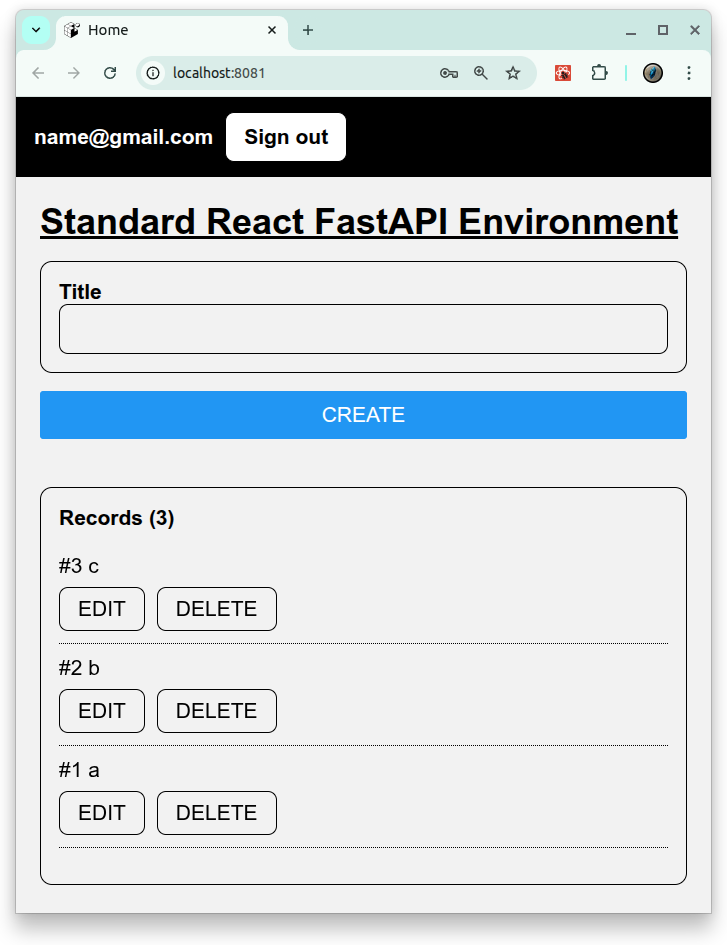
Environnement de développement full-stack utilisant :
- Frontend: Expo (React Native + TypeScript)
- Fonctionne sur Web, Android et iOS avec une seule codebase
- Backend: FastAPI (Python)
- Database: PostgreSQL
- Container: Docker Compose pour un environnement de développement cohérent
Features
- Frontend cross-platform avec Expo
- Fonctionne comme web app ou sur Android/iOS devices via Expo Go ou standalone builds
- CRUD operations : créer, lire, mettre à jour et supprimer des records
- Auth operations : Signup, Signin, Signout
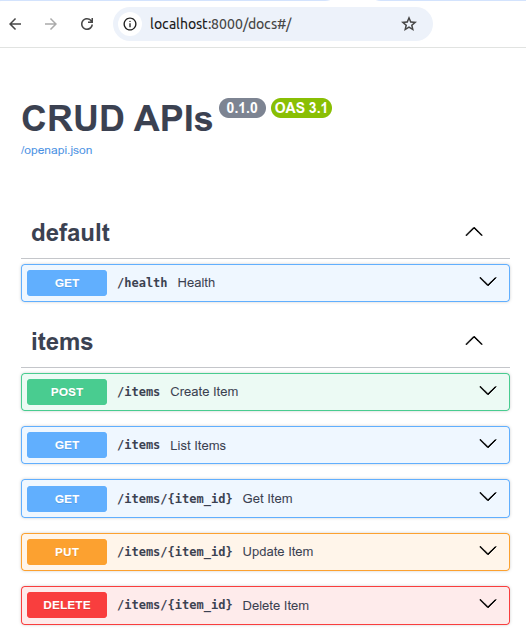
- FastAPI backend avec automatic docs
- REST API avec Swagger UI (/docs)
🚀 Getting Started
1. Prerequisites
- Docker Compose
- Expo Go (pour Android/iOS testing)
2. Build et start de tous les services:
# set environment variables:
export REACT_NATIVE_PACKAGER_HOSTNAME=${YOUR_HOST}

# Build the image
docker compose build

# Run the container
docker compose up
3. Test:
# Backend pytest
docker compose \
  -f docker-compose.test.yml run \
  --rm \
  --entrypoint /bin/sh backend_test \
  -lc ' pytest -q '

# Backend Lint
docker compose \
  -f docker-compose.test.yml run \
  --rm \
  --entrypoint /bin/sh backend_test \
  -lc 'ruff check /app /tests'

# Frontend Test
docker compose \
  -f docker-compose.test.yml run \
  --rm frontend_test
4. Accéder aux services:
-
Backend API: http://localhost:8000/docs
- Frontend UI (WEB): http://localhost:8081
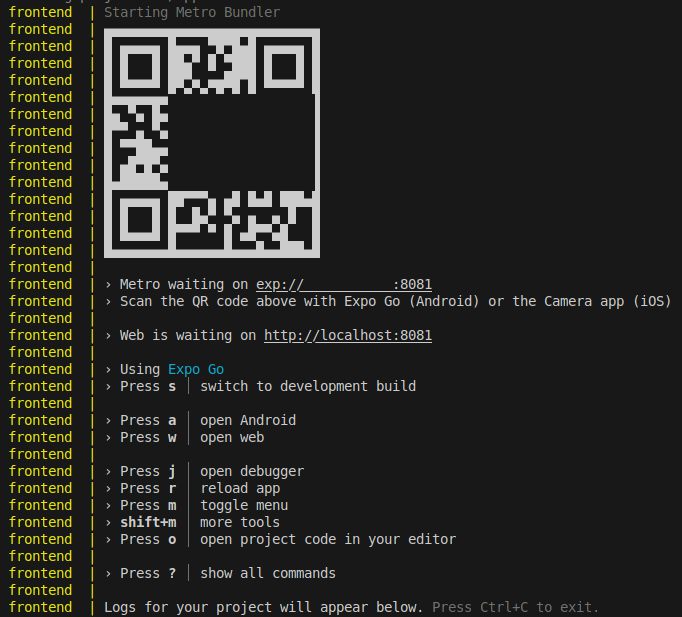
- Frontend UI (mobile): exp://${YOUR_HOST}:8081: accédez-y avec le QR fourni par Expo.
License
- Apache License 2.0