🇺🇸 English
Standard React FastAPI Environment










🇺🇸 English | 🇮🇳 हिंदी | 🇯🇵 日本語 | 🇨🇳 简体中文 | 🇪🇸 Español | 🇧🇷 Português (Brasil) | 🇰🇷 한국어 | 🇩🇪 Deutsch | 🇫🇷 Français
Mobile UI
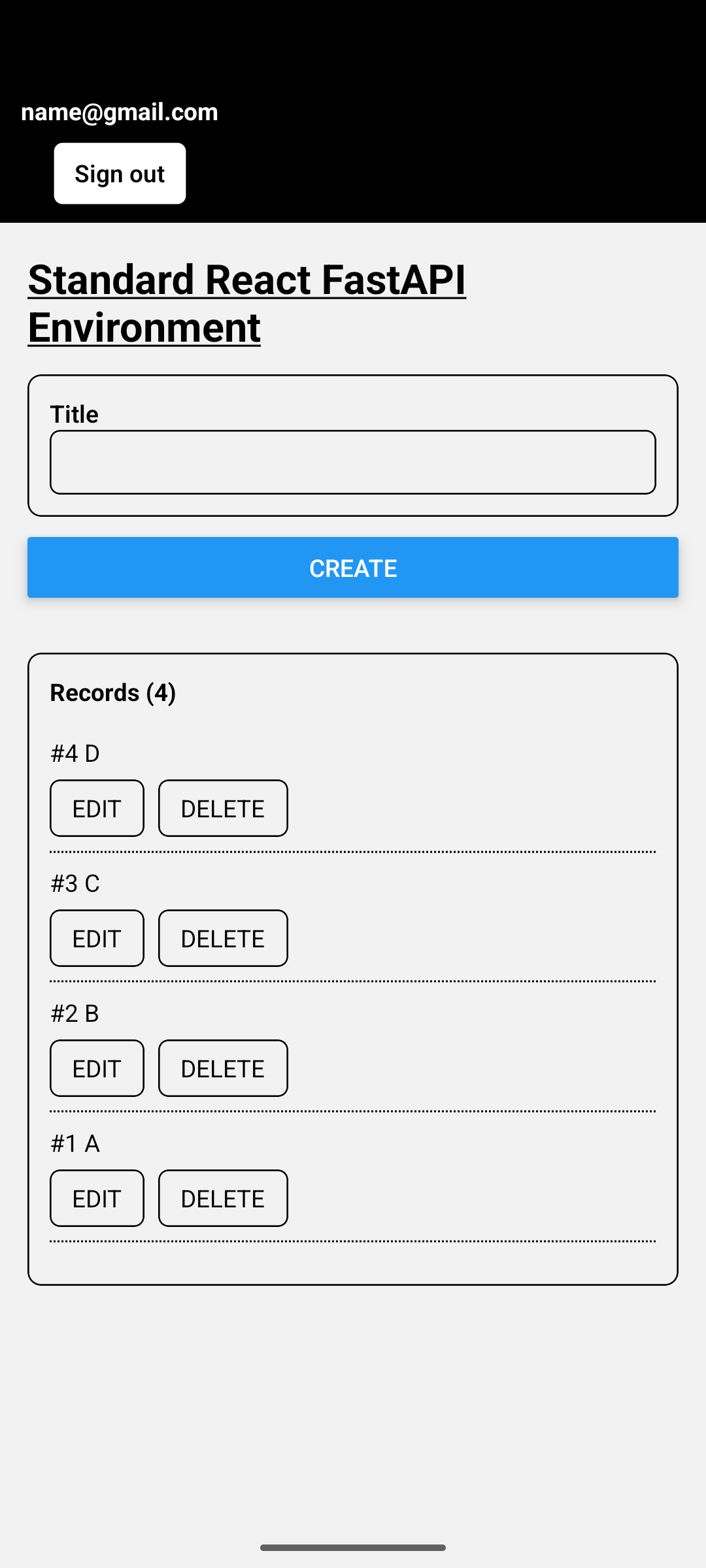
Web UI
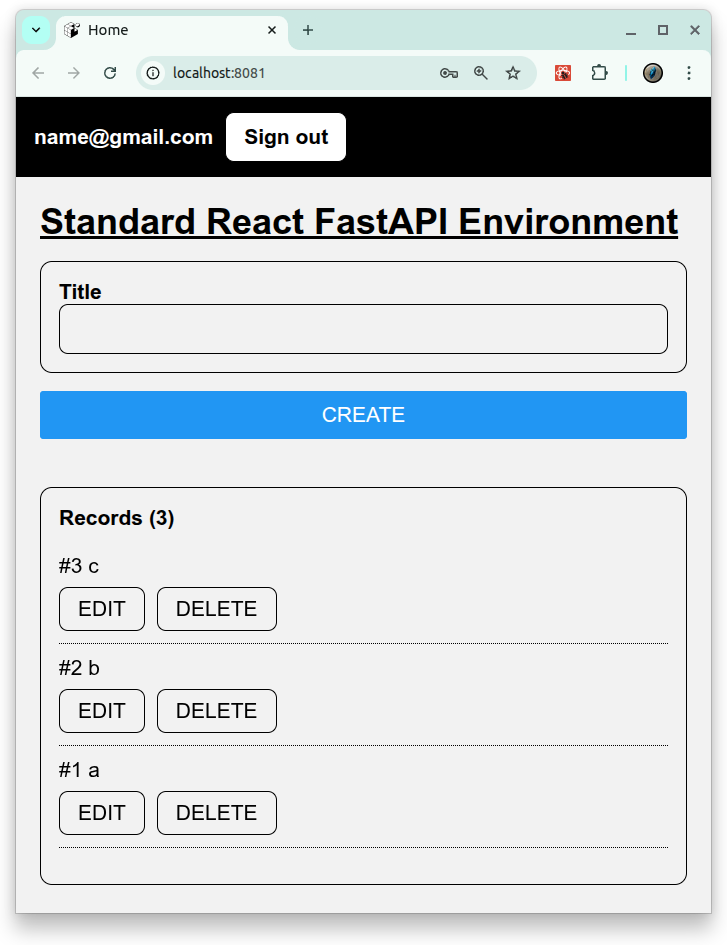
A ready-to-run full-stack starter container for connecting an Expo React Native app to a FastAPI backend.
This template includes an Expo React Native frontend, a FastAPI backend, PostgreSQL, JWT authentication, CRUD APIs, Docker Compose, backend tests, frontend tests, and GitHub Actions CI.
Use this repository when you want to build a mobile or web app with Expo and connect it to a FastAPI backend.
full-stack development environment using:
- Frontend: Expo (React Native + TypeScript)
- Runs on Web, Android, and iOS with a single codebase
- Backend: FastAPI (Python)
- Database: PostgreSQL
- Container: Docker Compose for consistent development setup
Features
- Cross-platform frontend with Expo
- Runs as a web app or on Android/iOS devices via Expo Go or standalone builds
- CRUD operations : Create, Read, Update, Delete records
- Auth operations : Signup, Signin, Signout
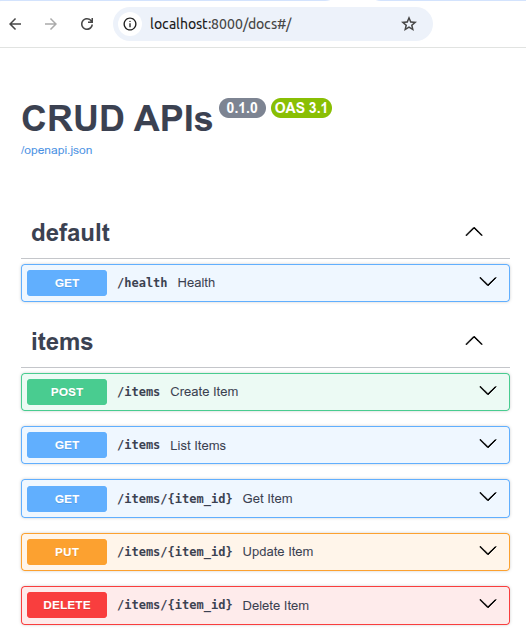
- FastAPI backend with automatic docs
- Versioned REST API under
/api/v1with Swagger UI (/docs)
- Versioned REST API under
🚀 Getting Started
1. Prerequisites
- Docker Compose
- Expo Go (for Android/iOS testing)
2. Build and start all services:
# set environment variables:
export REACT_NATIVE_PACKAGER_HOSTNAME=${YOUR_HOST}

# Build the image
docker compose build

# Run the container
docker compose up
3. Test:
# Backend pytest
docker compose \
  -f docker-compose.test.yml run \
  --rm \
  --entrypoint /bin/sh backend_test \
  -lc ' pytest -q '

# Backend Lint
docker compose \
  -f docker-compose.test.yml run \
  --rm \
  --entrypoint /bin/sh backend_test \
  -lc 'ruff check /app /tests'

# Frontend Test
docker compose \
  -f docker-compose.test.yml run \
  --rm frontend_test
4. Visit the services:
-
Backend API: http://localhost:8000/docs
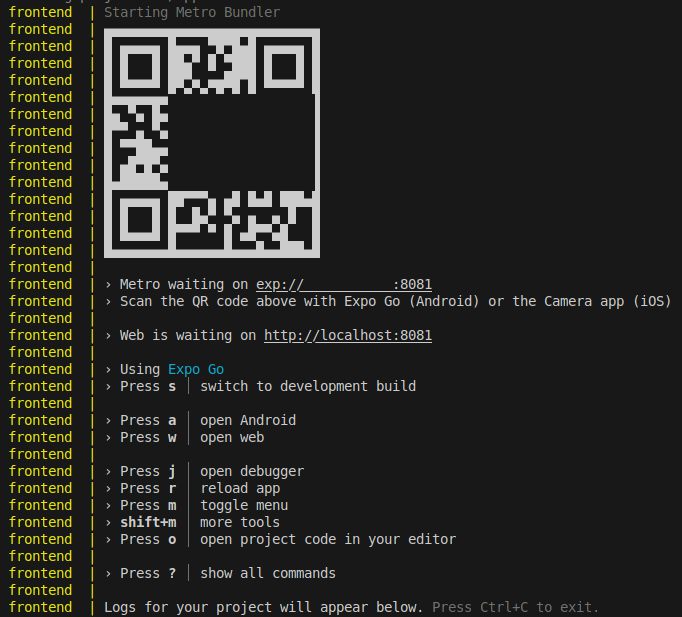
- Frontend UI (WEB): http://localhost:8081
- Frontend UI (mobile): exp://${YOUR_HOST}:8081: access it with the QR provided by Expo.
License
- Apache License 2.0