🇯🇵 日本語
SDXL Container





🇺🇸 English | 🇮🇳 हिंदी | 🇯🇵 日本語 | 🇨🇳 简体中文 | 🇪🇸 Español | 🇧🇷 Português (Brasil) | 🇰🇷 한국어 | 🇩🇪 Deutsch | 🇫🇷 Français
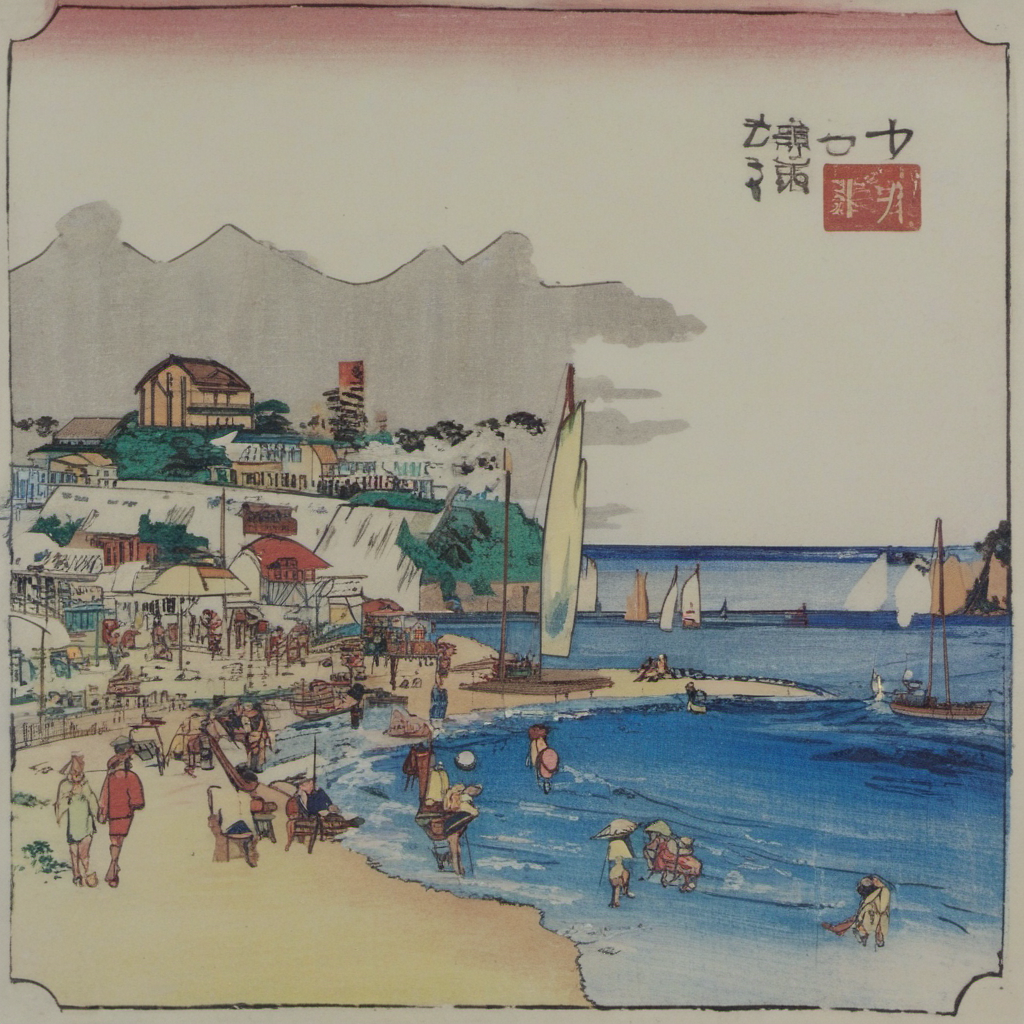
SDXL LoRA adapters を trainし、SDXL inference を実行するための docker container。
この repo は “small image set” の LoRA runs 向けに最適化されています:
1) images を folder に入れる
2) (任意で)captions を auto-generate する
3) LoRA を ./models/loras/ に train する
4) その LoRA ですぐに images を generate する
What’s inside
- GPU trainer container
- Command entrypoint:
train/caption/infer - LoRA training wrapper
- Training launcher wrapper
- BLIP captioning tool
- Diffusers inference script
- CI 用の CPU-only test container
Architecture / Mounts
docker-compose.yml は local folders を container に mount します:
./models→/models(base models + output LoRAs)./datasets→/datasets(your raw images)./workspace→/workspace(runs + caches + outputs)./scripts→/scripts(entrypoint + wrappers)
すべての commands は container 内で実行されますが、files はこれらの mounts を通じて host に書き込まれます。
Prerequisites
- Docker + Docker Compose
- GPU + toolkit (
gpus: all用) - SDXL base model。次のいずれか: (a)
./models/base/配下の local.safetensors/diffusers dir、または (b) Hugging Face repo id(例:stabilityai/sdxl-turbo) -
./datasets/<subject>/images/配下の small dataset
Highlights:
- Reproducible: すべて container 内で実行されます(local Python env は不要)。
- Simple: images の caption 生成(任意)+ train を 1 command で実行できます。
- Safe defaults for few-shot SDXL LoRA。
- Includes inference:
diffusersを使った LoRA 付き SDXL txt2img。
Build
docker compose build trainer
Train (caption + LoRA)
# train
docker compose run --rm trainer train \
--base-model stabilityai/sdxl-turbo \
--images /datasets/yokosuka \
--run-name yokosuka \
--sdxl \
--caption-mode blip \
--concept-token sksyokosuka \
--max-train-steps 1600 \
--num-repeats 20 \
--network-dim 16 \
--network-alpha 8
Infer (txt2img)
docker compose run --rm trainer infer \
--base-model stabilityai/sdxl-turbo \
--lora /models/loras/title_***.safetensors \
--prompt "portrait photo of sksTitle, high detail, natural light" \
--negative-prompt "low quality, blurry, worst quality" \
--out-dir /workspace/outputs \
--num-images 4 \
--seed 123 \
--steps 30 \
--cfg 7.0 \
--lora-scale 0.8 \
--width 1024 --height 1024
Caption (BLIP)
各 image の横に、同じ basename の .txt captions を generate したい場合:
# caption
docker compose run  \
--rm trainer caption  \
--images /datasets/title \
--prefix sksSubject    \
--overwrite
Inference (SDXL txt2img with LoRA)
Trained LoRA で images を generate します:
# inference
docker compose run  \
--rm trainer infer    \
--base-model /models/base/sd_xl_base_1.0.safetensors    \
--lora /models/loras/title_***.safetensors    \
--prompt "sksSubject seaside"    \
--negative-prompt ""    \
--out-dir /datasets/title/inference    \
--num-images 4    \
--steps 30    \
--cfg 7.0    \
--width 1024    \
--height 1024    \
--lora-scale 0.8    \
--seed 42
Test
docker compose -f docker-compose.test.yml build
docker compose -f docker-compose.test.yml run --rm test
LoRA algorithm
LoRA (Low-Rank Adaptation) は、base weights を frozen のままにし、選択した weight matrices に low-rank update を追加することで diffusion model を fine-tune します。
weight matrix W に対して、LoRA は次を学習します:
ΔW = (α / r) * (B @ A)
ここで:
r は rank です (–network-dim)
α は scaling factor です (–network-alpha)
A と B は low-rank trainable matrices です
Inference time では effective weight は次のようになります:
W’ = W + ΔW
さらに、この repo では –lora-scale によって、LoRA が generation にどれだけ強く影響するかを制御できます。
License
- Apache License 2.0