🇺🇸 English
SDXL Container





🇺🇸 English | 🇮🇳 हिंदी | 🇯🇵 日本語 | 🇨🇳 简体中文 | 🇪🇸 Español | 🇧🇷 Português (Brasil) | 🇰🇷 한국어 | 🇩🇪 Deutsch | 🇫🇷 Français
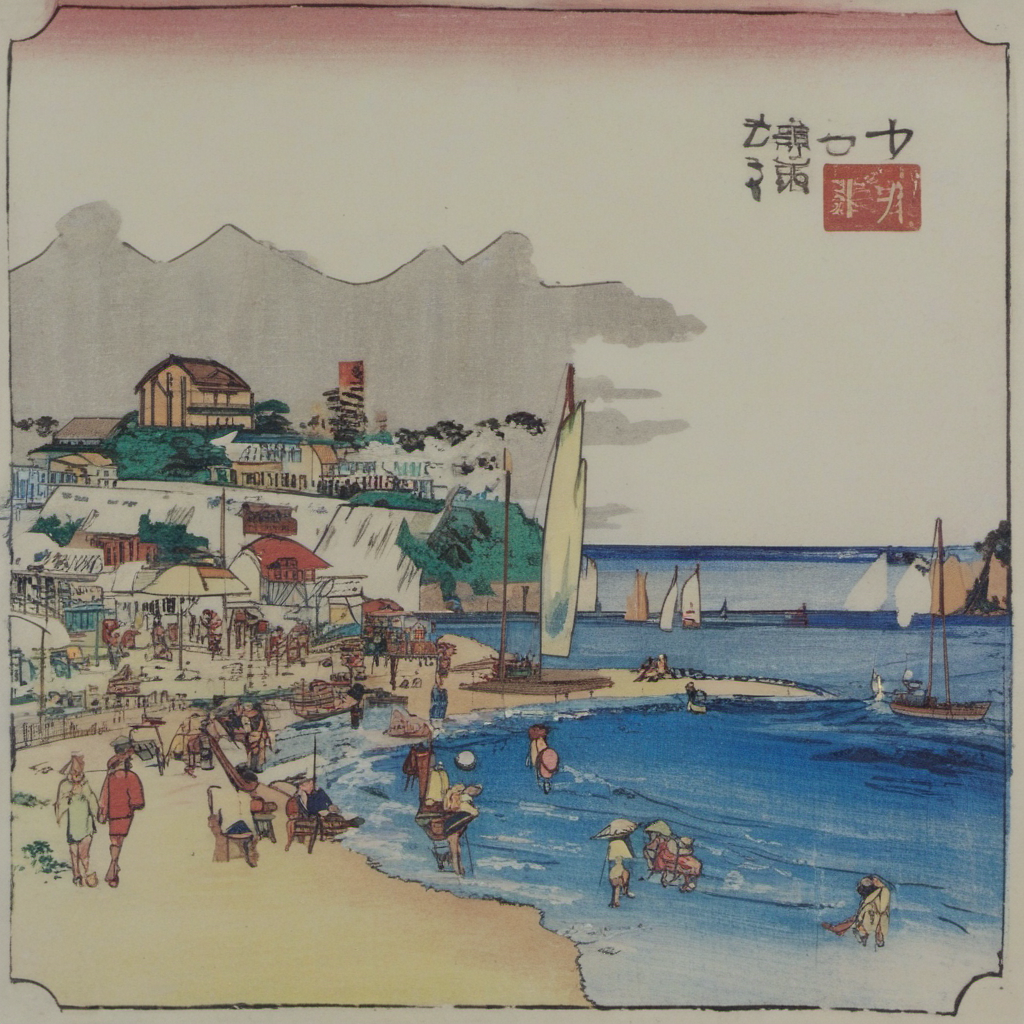
A docker container to train SDXL LoRA adapters and run SDXL inference.
This repo is optimized for “small image set” LoRA runs:
1) drop images into a folder
2) (optionally) auto-generate captions
3) train a LoRA into ./models/loras/
4) immediately generate images with that LoRA
What’s inside
- GPU trainer container
- Command entrypoint:
train/caption/infer - LoRA training wrapper
- Training launcher wrapper
- BLIP captioning tool
- Diffusers inference script
- CPU-only test container for CI
Architecture / Mounts
docker-compose.yml mounts local folders into the container:
./models→/models(base models + output LoRAs)./datasets→/datasets(your raw images)./workspace→/workspace(runs + caches + outputs)./scripts→/scripts(entrypoint + wrappers)
All commands run inside the container, but files are written to your host via these mounts.
Prerequisites
- Docker + Docker Compose
- GPU + toolkit (for
gpus: all) - An SDXL base model as either: (a) local
.safetensors/diffusers dir under./models/base/, or (b) a Hugging Face repo id (e.g.,stabilityai/sdxl-turbo) -
A small dataset under
./datasets/<subject>/images/
Highlights:
- Reproducible: everything runs inside a container (no local Python env needed).
- Simple: one command to (optionally) caption images + train.
- Safe defaults for few-shot SDXL LoRA.
- Includes inference: SDXL txt2img with LoRA using
diffusers.
Build
docker compose build trainer
Train (caption + LoRA)
# train
docker compose run --rm trainer train \
--base-model stabilityai/sdxl-turbo \
--images /datasets/yokosuka \
--run-name yokosuka \
--sdxl \
--caption-mode blip \
--concept-token sksyokosuka \
--max-train-steps 1600 \
--num-repeats 20 \
--network-dim 16 \
--network-alpha 8
Infer (txt2img)
docker compose run --rm trainer infer \
--base-model stabilityai/sdxl-turbo \
--lora /models/loras/title_***.safetensors \
--prompt "portrait photo of sksTitle, high detail, natural light" \
--negative-prompt "low quality, blurry, worst quality" \
--out-dir /workspace/outputs \
--num-images 4 \
--seed 123 \
--steps 30 \
--cfg 7.0 \
--lora-scale 0.8 \
--width 1024 --height 1024
Caption (BLIP)
If you want to generate .txt captions next to each image (same basename):
# caption
docker compose run  \
--rm trainer caption  \
--images /datasets/title \
--prefix sksSubject    \
--overwrite
Inference (SDXL txt2img with LoRA)
Generate images with the trained LoRA:
# inference
docker compose run  \
--rm trainer infer    \
--base-model /models/base/sd_xl_base_1.0.safetensors    \
--lora /models/loras/title_***.safetensors    \
--prompt "sksSubject seaside"    \
--negative-prompt ""    \
--out-dir /datasets/title/inference    \
--num-images 4    \
--steps 30    \
--cfg 7.0    \
--width 1024    \
--height 1024    \
--lora-scale 0.8    \
--seed 42
Test
docker compose -f docker-compose.test.yml build
docker compose -f docker-compose.test.yml run --rm test
LoRA algorithm
LoRA (Low-Rank Adaptation) fine-tunes a diffusion model by adding a low-rank update to selected weight matrices while keeping the base weights frozen.
For a weight matrix W, LoRA learns:
ΔW = (α / r) * (B @ A)
Where:
r is the rank (–network-dim)
α is the scaling factor (–network-alpha)
A and B are the low-rank trainable matrices
At inference time the effective weight becomes:
W’ = W + ΔW
Additionally, this repo lets you control how strongly the LoRA influences generation via –lora-scale.
License
- Apache License 2.0